All posts
Comparisons
2 min read
By the Tixa team
TouchX vs Mosaic Pro: which Tixa panel is right for your wall?
Compare TouchX glass panels and Mosaic Pro modular controls, including sockets, fan regulation, plate fit and model-specific features.

Quick answer: Choose TouchX for a glass touch panel with an ordered layout and printed appliance symbols. Choose Mosaic Pro when compatible modular controls and accessories suit your preferred plate. The right choice depends on the circuits, plate fit and exact model.
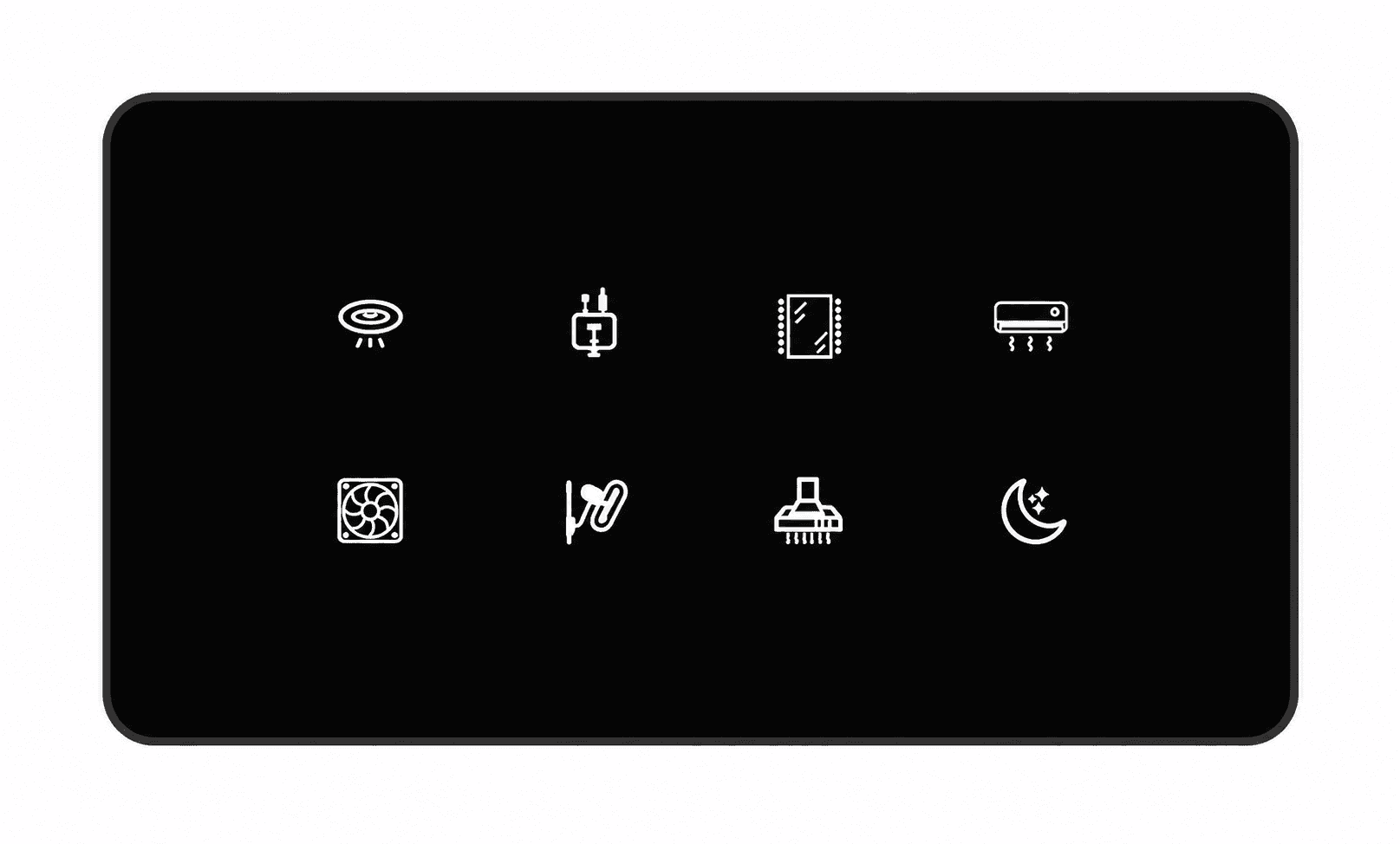
TouchX product image from Tixa. Compare the exact catalogue configuration with the modular options before ordering.
Glass panel or modular plate?
TouchX comes in 2M, 4M, 6M, 8M and 12M plate formats in Black, White and Grey. The M size describes the plate format, not the number of switches. Select a listed configuration with the functions your board needs.
Mosaic Pro uses ABS touch modules in supported plate series, including options for compatible Vihaan and Roma series. Confirm the precise brand, series and module combination before ordering; the modules do not fit every plate.
Can both include sockets?
Yes, selected TouchX configurations include physical sockets. Mosaic Pro can also combine compatible control and accessory modules. Check the catalogue configuration, socket rating and available space instead of assuming that either family always includes—or always excludes—a socket.
Compare the functions board by board
Count independent light circuits and any shared two-way circuits.
Specify conventional fan speed regulation separately from fan on/off switching.
For BLDC fans, do not use a conventional fan dimmer for speed control. Ask about a supported alternative.
Confirm suitable heavy-duty outputs for ACs and geysers, including load and starting-current requirements.
Check which app, voice and scene functions the selected smart model supports.
What about appearance and icons?
TouchX symbols are selected when ordering. The app cannot redraw printed icons, and an icon does not add a new circuit or scene function. For modular boards, confirm how the chosen modules and accessories fit the approved plate.
Can I mix the two in one home?
You can request different families for different rooms. Tixa should confirm the proposed devices, app setup and network together. Compare a bedroom and a kitchen on the same written load list using the buying checklist.
Plan your next step
Use the Tixa room quotation builder to list your rooms and controls. Tixa will confirm the selected models, compatibility, current prices and installation scope before an order.
Written by the Tixa team. Updated 17 October 2026. Product features depend on the selected model and setup.