YOUR HOME. YOUR RULES.Talk to Tixa on WhatsApp ↗
Home / TOUCHX · GLASS TOUCH PANELS
TOUCHX · GLASS TOUCH PANELS

A beautiful way to take control.

A coordinated glass finish for everyday controls. Select the panel layout and finish that suit your rooms, circuits and appliances.

New Tixa black glass touch-panel design
SELECTED FOR YOUR HOME
01

Layouts selected for your switchboard

02

Light, fan and compatible appliance control

03

App and scene features on smart models

We confirm the exact module layout, load ratings, neutral requirements, dimensions, finish and connectivity before you order.

TIXA / INSTALLATION

Your device. The right guide.

Choose your device family and model to find installation diagrams, setup guides and manuals. View them here, zoom in or download a PDF. Each guide explains the models and steps it covers.

Watch setup videos ↓Customer & installer handbook ↓

Loading 2M guides…

TIXA / VIDEO TUTORIALS

Watch. Set up. Get started.

26 tutorials from Tixa Smart on YouTube. Choose a topic and video below. Older videos may show a different app layout or device version; check the model before following installation steps.

Use local-network control for compatible devices when internet access is unavailable. Your phone and supported devices must remain connected to the home Wi-Fi; remote access and cloud features may be unavailable.

Fan compatibility

Speed control is for conventional fans only. BLDC fans support ON/OFF switching only, without panel speed control.

For qualified installers. Isolate power before wiring. Match the exact model, terminal markings and supply arrangement. These diagrams and manuals are model-specific; contact Tixa if a label or connection differs from your device. Setup guides do not replace a matching wiring diagram. Two-way wiring applies only to models that support it.

Need installation help? WhatsApp Tixa ↗
TIXA / CUSTOMER & INSTALLER HANDBOOK

A clear plan. A smarter home.

One place for planning, product compatibility, installation, handover and support. Choose a topic below to get started.

The agreed quotation and the exact device instructions define your project’s scope.

01 · Start with your space

A clear brief makes choosing the right controls easier.

Your project brief

  • Share the location, room list and whether this is a new installation or an existing home.
  • List what you want to control: lights, conventional fans, heavy-duty appliances, curtains, access or other devices.
  • Share photographs of the existing switch plates and visible product labels. Leave opening switchboards to a qualified installer.
  • Tell us your preferred finishes, plate brand, app or voice requirements, budget range and intended installation date.
  • Nominate one person to approve the configuration and any changes.

Before approving a quote

  • Check model names, quantities, finishes, plate compatibility and the circuits each device will control.
  • Check whether installation, accessories, app setup and any required controllers are included or separately priced.
  • Record any exclusions, site work and warranty wording in the agreed quotation or invoice.
02 · From enquiry to handover

A shared checklist for the customer, Tixa and the installer.

1 · Review the requirements

  • Use the project brief to identify suitable products. Have the installer check site wiring, load compatibility, switchboard space and the exact plate series.

2 · Agree the scope

  • Confirm the quotation, configuration and responsibilities before work begins. Record any later change and its cost or timing impact before proceeding.

3 · Prepare the site

  • Arrange access and a suitable installation time. Have the correct products, model-specific diagrams and the relevant network available.

4 · Install and configure

  • A qualified installer completes the electrical work using the exact device instructions. Configure supported app and voice features after installation checks.

5 · Test and hand over

  • Test each agreed function, record any unresolved items and show the customer how to use the controls and find support.
03 · Make responsibilities clear

Confirm who owns each step for your particular project.

Customer or project owner

  • Approve the product schedule and changes, arrange site access and identify the person who will own the app account.
  • Enter passwords and account verification codes privately.

Qualified electrician / installer

  • Verify the site conditions, device ratings and correct wiring diagram; complete installation and electrical checks.
  • Confirm any wiring changes or switchboard work needed before installation.

Tixa contact

  • Coordinate product selection and the agreed scope, provide available model-specific resources and identify questions that need technical confirmation.

Architect or interior designer, when involved

  • Coordinate locations, finishes, plate selection and furniture or curtain clearances with the customer and installer.
04 · Choose the right combination

Practical notes for choosing your Tixa devices.

Modular touch switches

  • Vpro fits Vihaan plates; Rpro fits Roma plates. Confirm the exact compatible plate series.
  • Each smart module occupies 2M: one fits 2M, two fit 4M and four fit 8M. Module space is different from the number of touch controls.
  • Compatible manual switches, sockets and other accessories from the plate brand can share the board.

Retrofits

  • Pro / LPF 1-switch: one normal OR one heavy-duty switch.
  • Pro / LPF 2-switch: one normal + one heavy-duty; 4-switch: three normal + one heavy-duty; 6-switch: five normal + one heavy-duty.
  • Nexa is for normal switch loads. Confirm the actual appliance load and the rating of the supplied device.

Fans

  • Fan speed control is for conventional induction fans. BLDC fans use compatible ON/OFF switching only; do not connect them to a fan-speed output.

Curtains and access automation

  • The curtain motor kit includes accessories and a remote, without fabric.
  • For app and voice control, include the compatible Pulse / curtain controller in the quote.
  • For gate motors and boom barriers, contact Tixa for the configuration and compatibility details before selecting a controller.

App and voice

  • Confirm which functions are supported by the exact device and selected voice platform. BLE-only access and remote access are different capabilities.
05 · Before installation

Use the guide for the exact model and hardware revision.

Installer checklist

  • Match the product label, terminal markings, load type and rating to the intended circuit.
  • Check neutral availability, switchboard space and plate fit where relevant.
  • Isolate and verify the supply is off before opening a switchboard or changing wiring.
  • Use the correct model-specific connection drawing. A setup video or app guide does not replace a wiring diagram.
  • If a terminal marking or drawing is unclear, obtain confirmation before connecting the device.

App setup checklist

  • Have the customer’s phone, app account and suitable network available. Follow the selected model’s network requirements.
  • Let the customer enter Wi-Fi passwords and verification codes privately.
  • Use clear room and appliance names. Enable only the access and integrations agreed with the customer.
06 · Leave with everything working

Complete this checklist together and record anything still open.

Function checks

  • Test each installed circuit using its relevant touch or manual control.
  • Test app control, supported voice commands and agreed scenes where included.
  • For conventional fans, check the supported speed controls. For BLDC fans, test compatible ON/OFF switching only.
  • For curtains, test the remote and any included app or voice control.

Customer handover

  • Explain normal operation and show where to find the matching installation and setup guides.
  • Confirm account ownership and review any installer access that is no longer needed.
  • Keep the final product list, model references, invoice and applicable warranty information together.
  • Record unfinished items with an owner and an agreed next update.
07 · Support starts on WhatsApp

Send the details once so the issue is easier to understand.

What to include

  • Your name, project location and room or device affected.
  • Model reference, purchase or installation date if available, and a photograph of the accessible label.
  • What happens, when it started and whether manual control, app control or both are affected.
  • A screenshot of the app message or a short video, if useful. Never send passwords or one-time codes.

Warranty summary

  • Products other than TouchX and curtains: 1-year warranty.
  • Curtains: 3-year warranty.
  • TouchX: confirm the applicable service / warranty coverage in the quotation or invoice.
  • For claim eligibility and the next step, contact Tixa with the product and purchase details.

Experience centre

  • Monday–Saturday, 10:00 a.m.–6:00 p.m. Sunday closed.
  • Visits outside these hours may be arranged in advance. Message Tixa to confirm availability.
  • WhatsApp: +91 90848 40848 · Email: tixaautomation@gmail.com

Updated September 2026. This handbook does not replace the wiring diagram, instructions or ratings for the supplied device.

TIXA / TOUCHX / TECHNICAL GUIDE

The details.
All in one place.

Electrical specifications, component architecture and setup requirements for TouchX magnetic glass touch panels.

230VAC supply
10Astandard relay
20Adedicated HD relay

Choose the exact catalogue reference before specifying a panel. Channel count, fan control, sockets, heavy-duty outputs and two-way operation depend on the configuration. Relay current ratings do not replace the wattage limits for each load type.

Tixa TouchX · Technical guide · Edition 1.0
01

Electrical & operating specifications

Supply
230V AC · 50/60Hz
Touch interface
Capacitive touch · tempered-glass front
Touch operation rating
More than 100,000 operations
Standard switching channel
10A relay; apply the load-type limits below
Heavy-duty channel
20A relay on configurations with a dedicated HD channel
Operating temperature
0°C to 45°C
Operating humidity
5%–90% RH · non-condensing
Status indication
RGB LED indication
Two-way switching
Available on selected models
Finishes
White · Black · Grey
Firmware
Over-the-air updates

A panel's M size describes its modular fitting format. It does not give its switch count or dimensions in millimetres. Confirm the mounting dimensions and wall-box depth for the chosen reference.
02

Load limits, by connected load

Maximum stated wattage per relay. Use the column that matches the selected output, then check the connected equipment and starting current with the installer.

Per-relay load limits
Load type10A relay20A HD relay
Resistive1,500W2,500W
LED / CFL150W300W
Inductive750W1,500W

These are per-relay limits, not a total panel rating. The 20A figures apply only to a dedicated HD channel. Fan speed control and BLDC compatibility must be checked separately; a relay rating alone does not establish fan-control compatibility.

03

Hardware architecture

Controller
32-bit microcontroller
Switching relay
Standard switching relay
Heavy-duty relay
Dedicated heavy-duty relay
Surge component
Metal-oxide varistor (MOV)
Capacitor
Electrolytic capacitor
Power supply
Switched-mode power supply
Circuit board
FR4 PCB
Front panel
Tempered glass

Component architecture describes the panel platform. Confirm the supplied hardware revision for projects that require an exact component specification.

04

Electrical protection

  • MOV surge protection rated at 4.5kV.
  • Ripple filtering and electromagnetic interference protection.
  • Relay isolation and high-voltage isolation.
  • Microcontroller watchdog protection.

Selected configurations provide separate heavy-duty and inverter-phase arrangements. The installer must verify the exact terminal layout and supply arrangement for that model.

05

App, voice & connected control

Use the Tixa app on Android or iOS to manage compatible devices, scenes and schedules. Amazon Alexa and Google Assistant support depends on the selected product and account setup. Add supported switch and scene actions to Siri Shortcuts on iPhone.

  • RGB indicators show touch-control status.
  • Two-way operation is available on selected configurations.
  • Over-the-air firmware updates and device-health monitoring support ongoing operation.
  • Confirm network requirements and which controls remain available without internet before installation.
06

Cloud communication & security

The connected platform supports secure MQTT messaging over TLS, REST APIs and remote firmware delivery.

Encrypted communication
TLS and AES-128 support
Device access
Device authentication, access-control lists and X.509 certificates
Local communication
HMAC authentication
Platform controls
Encrypted storage, firewalls and IP allowlisting
Deployment
Multi-region deployment and edge-computing support

Platform capabilities do not imply that every integration or API is included with a residential installation. Discuss any project-specific integration with Tixa.

07

Before installation & handover

  1. Confirm the configuration. Record the reference, finish, plate size and required lights, fans, sockets and HD channels.
  2. Survey the installation. Check the wall box, supply wiring, neutral requirements, circuit loads and network coverage.
  3. Match each load. Check wattage, inrush current and fan or driver compatibility against the selected output.
  4. Install to the model's wiring diagram. A qualified electrician must isolate the supply and follow the exact terminal markings. This guide is not a wiring diagram.
  5. Test the handover. Check each touch control, app pairing, scenes and configured voice commands. Confirm operation after a power or network interruption.
08

Project documents & support

For a project submittal, ask Tixa for the model-specific dimensional drawing, wiring diagram, component datasheets and applicable test records. Specify whether surge, ripple, relay-cycling, electrical-noise or Wi-Fi test evidence is required.

Contact us with the catalogue reference and installation details so we can match the documents to your panel.

TAP IT. SAY IT. MAKE IT HAPPEN.

Your home.
On your terms.

Use the Tixa app on Android or iPhone. Control supported smart devices with Alexa, Google Assistant or Apple’s Siri Shortcuts.

Tixa app guide
Tixa app icon
TixaYour rooms. One app.

Link your compatible devices and assistant account. On iPhone, add supported switch and scene actions to Siri Shortcuts. Available commands depend on the product and setup.

THE NO-JARGON SWITCH GUIDE

Get to know
your switchboard.

Choose the style. Match the plate size. Pick the controls you need. Here’s how it all fits together.

01 / MODULAR TOUCH SWITCHES

Individual modules.
Your combination.

ABS-body touch modules fit into a compatible modular plate, alongside the other supported modules you choose.

For compatible plate ranges such as Vihaan and Roma. Share your exact plate brand and series so we can match the correct module.

Explore Mosaic Pro
02 / FULL GLASS TOUCH PANELSTixa full glass touch panel with a continuous black front and printed control icons

One glass front.
A coordinated layout.

A continuous tempered-glass front brings the touch controls together. Choose a complete panel configuration for your lights, fans and sockets.

Some configurations include physical sockets. The number of controls and sockets depends on the model you select.

WhiteBlackGrey

Available in White, Black and Grey. Black panel pictured.

Explore TouchX

The module sketch explains how separate pieces share a plate; it is not a product layout. Plate series, wall-box dimensions and wiring are checked before ordering.

SIZE FIRST. CONTROLS SECOND.

What does
2M, 4M or 6M mean?

M stands for module. On a touch-panel listing, 2M, 4M, 6M, 8M or 12M describes the modular plate size or fitting format.

The switch, fan and socket count is listed separately. A 4M glass panel can have 8 switches. A 12M panel can have 12 switches, 1 fan and 2 sockets, or another listed combination.

M is a size category, not a millimetre measurement. Check exact width, height, mounting pattern and box depth with Tixa.

TRY A REAL CATALOGUE EXAMPLE
4Mplate size
8 switches
Catalogue reference: MGT004

MRP ₹13,154per panel · inclusive of GSTInstallation and any customisation are quoted separately.

One panel. The selected combination above. Choose this reference in the product catalogue to add it to your quotation.

Choose a glass panel

Switch

An on/off control for a connected circuit. Several lights can share a circuit; a switch count is not automatically a bulb count.

Fan control

A dedicated fan control in the listed configuration. Speed control and fan-type compatibility are checked for the selected model.

Socket

A physical outlet for plugging in a device. It is included only when the selected configuration lists a socket.

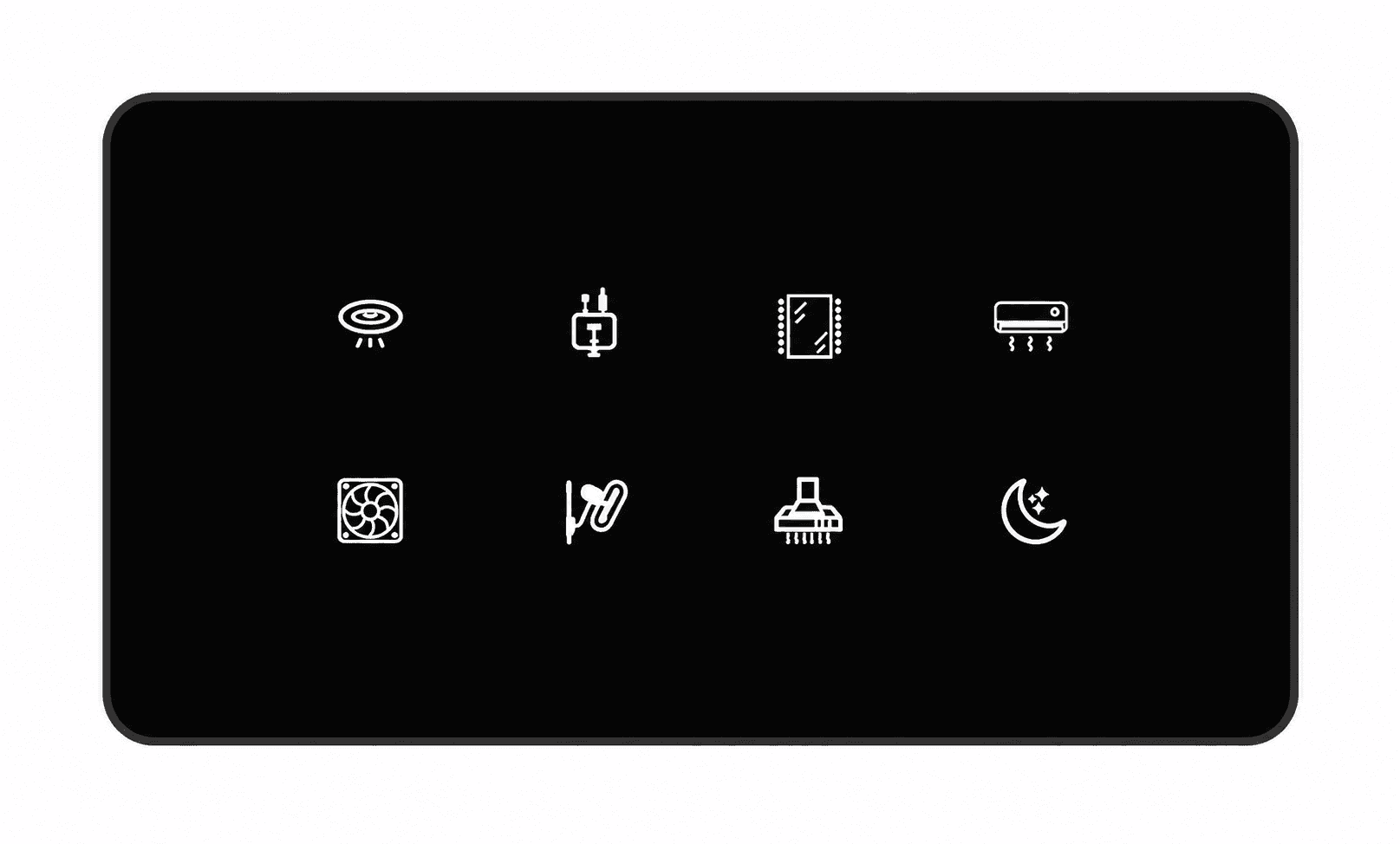
MAKE IT EASY TO RECOGNISEChoose icons for your touch panel.

Give each control a familiar symbol: a light, fan, socket, appliance or scene. Use the numbered charts below to tell us your preferred icons and their positions.

For example: “Living room, top left: icon 22 for the main light; next: icon 62 for the fan.” We confirm the final artwork, available symbols and panel layout before your order.

Some numbered spaces in the charts are blank. Choose an illustrated symbol. An icon labels a control; it does not add a circuit or change the product’s electrical capability. Icon customisation is confirmed for your selected panel.

Discuss my panel icons

Not sure what fits?

Send a photo of your existing switchboard, the plate brand or series, and a list of the lights, fans and sockets you need. Tixa will help match a compatible configuration.

Help me choose

Start with the
right questions.

Share your floor plan or switchboard and door photos, city and priorities. We will help identify a compatible product selection and clear quotation.

A LITTLE CLARITY

Before you
make the switch.

When does installation time start?

Installation timing is confirmed after site assessment. Any installation estimate starts once products are delivered and the site is ready. It excludes order processing, supplier dispatch and delivery time. Dispatch, delivery and installation dates are confirmed separately.

Can I automate my existing home?

Often, yes. Retrofit controls can work behind compatible existing switchboards. An electrician needs to check wiring, neutral availability, box depth and appliance loads before we confirm the scope.

Do I need Wi-Fi or a hub?

Compatible Wi-Fi products connect to your home network. Zigbee devices require a compatible hub. We confirm the network, hub and power requirements for the exact products in your quotation.

What happens if the internet goes down?

Physical controls remain available. Local app control depends on the device and a working local network. Remote access, voice assistants and cloud-based functions may need an internet connection.

Where can I book an installation?

We arrange installation in Hyderabad. For other cities, contact us about product supply and installation requirements. Availability, delivery and charges are confirmed before you order.

How much will my setup cost?

Your quotation depends on the selected models, switchboard layouts and installation scope. We set out product, delivery and installation charges before you order. Trade pricing is shared directly with eligible business enquiries.