YOUR HOME. YOUR RULES.Talk to Tixa on WhatsApp ↗
Home / MOSAIC PRO · MODULAR CONTROLS
MOSAIC PRO · MODULAR CONTROLS

Your switchboard. Your combination.

Choose a combination of compatible switch, fan and curtain modules around the way each room is used.

SELECTED FOR YOUR HOME
01

Choose modules for your daily needs

02

Match the correct plate series

03

Smart features on selected modules

We confirm module and plate compatibility, circuit ratings and smart functionality for each selected model.

A FEW DETAILS. A BETTER FIT.

Choose with confidence.

Modular: mix the controls your room needs

VPro fits Vihaan plates. RPro fits Roma plates. Each smart module occupies 2M: 2M fits one, 4M fits two and 8M fits four.

Combine smart modules with compatible manual switches, sockets and accessories from your chosen plate brand. Leave room for every accessory in the board.

Only the control icon glows, not the entire glass face. Confirm the plate series, back-box depth and appliance load type before ordering.

THE NO-JARGON SWITCH GUIDE

Get to know
your switchboard.

Choose the style. Match the plate size. Pick the controls you need. Here’s how it all fits together.

01 / MODULAR TOUCH SWITCHES

Individual modules.
Your combination.

ABS-body touch modules fit into a compatible modular plate, alongside the other supported modules you choose.

For compatible plate ranges such as Vihaan and Roma. Share your exact plate brand and series so we can match the correct module.

Explore Mosaic Pro
02 / FULL GLASS TOUCH PANELSTixa full glass touch panel with a continuous black front and printed control icons

One glass front.
A coordinated layout.

A continuous tempered-glass front brings the touch controls together. Choose a complete panel configuration for your lights, fans and sockets.

Some configurations include physical sockets. The number of controls and sockets depends on the model you select.

WhiteBlackGrey

Available in White, Black and Grey. Black panel pictured.

Explore TouchX

The module sketch explains how separate pieces share a plate; it is not a product layout. Plate series, wall-box dimensions and wiring are checked before ordering.

SIZE FIRST. CONTROLS SECOND.

What does
2M, 4M or 6M mean?

M stands for module. On a touch-panel listing, 2M, 4M, 6M, 8M or 12M describes the modular plate size or fitting format.

The switch, fan and socket count is listed separately. A 4M glass panel can have 8 switches. A 12M panel can have 12 switches, 1 fan and 2 sockets, or another listed combination.

M is a size category, not a millimetre measurement. Check exact width, height, mounting pattern and box depth with Tixa.

TRY A REAL CATALOGUE EXAMPLE
4Mplate size
8 switches
Catalogue reference: MGT004

MRP ₹13,154per panel · inclusive of GSTInstallation and any customisation are quoted separately.

One panel. The selected combination above. Choose this reference in the product catalogue to add it to your quotation.

Choose a glass panel

Switch

An on/off control for a connected circuit. Several lights can share a circuit; a switch count is not automatically a bulb count.

Fan control

A dedicated fan control in the listed configuration. Speed control and fan-type compatibility are checked for the selected model.

Socket

A physical outlet for plugging in a device. It is included only when the selected configuration lists a socket.

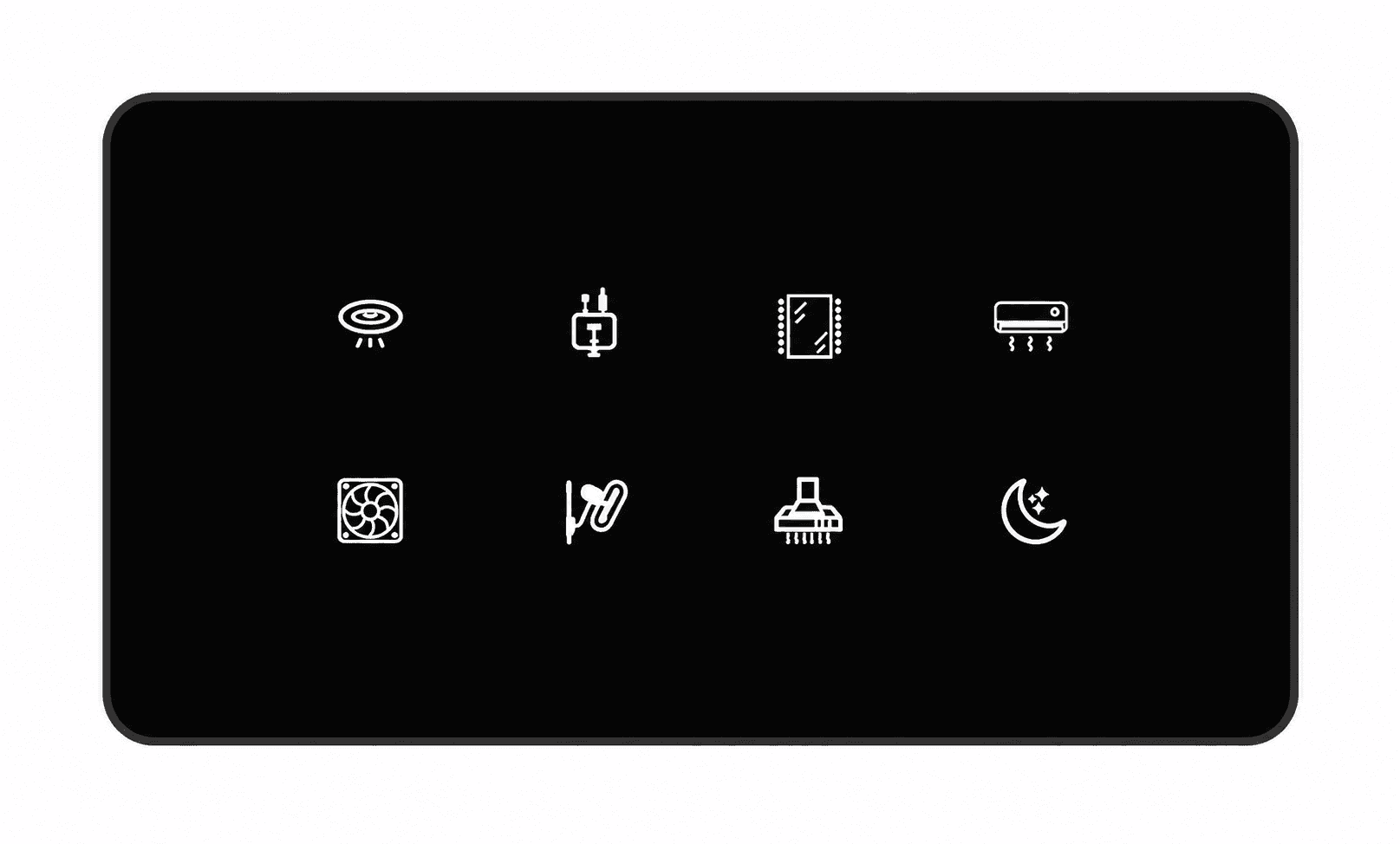
MAKE IT EASY TO RECOGNISEChoose icons for your touch panel.

Give each control a familiar symbol: a light, fan, socket, appliance or scene. Use the numbered charts below to tell us your preferred icons and their positions.

For example: “Living room, top left: icon 22 for the main light; next: icon 62 for the fan.” We confirm the final artwork, available symbols and panel layout before your order.

Some numbered spaces in the charts are blank. Choose an illustrated symbol. An icon labels a control; it does not add a circuit or change the product’s electrical capability. Icon customisation is confirmed for your selected panel.

Discuss my panel icons

Not sure what fits?

Send a photo of your existing switchboard, the plate brand or series, and a list of the lights, fans and sockets you need. Tixa will help match a compatible configuration.

Help me choose

Start with the
right questions.

Share your floor plan or switchboard and door photos, city and priorities. We will help identify a compatible product selection and clear quotation.

A LITTLE CLARITY

Before you
make the switch.

When does installation time start?

Installation timing is confirmed after site assessment. Any installation estimate starts once products are delivered and the site is ready. It excludes order processing, supplier dispatch and delivery time. Dispatch, delivery and installation dates are confirmed separately.

Can I automate my existing home?

Often, yes. Retrofit controls can work behind compatible existing switchboards. An electrician needs to check wiring, neutral availability, box depth and appliance loads before we confirm the scope.

Do I need Wi-Fi or a hub?

Compatible Wi-Fi products connect to your home network. Zigbee devices require a compatible hub. We confirm the network, hub and power requirements for the exact products in your quotation.

What happens if the internet goes down?

Physical controls remain available. Local app control depends on the device and a working local network. Remote access, voice assistants and cloud-based functions may need an internet connection.

Where can I book an installation?

We arrange installation in Hyderabad. For other cities, contact us about product supply and installation requirements. Availability, delivery and charges are confirmed before you order.

How much will my setup cost?

Your quotation depends on the selected models, switchboard layouts and installation scope. We set out product, delivery and installation charges before you order. Trade pricing is shared directly with eligible business enquiries.