“Alexa, turn on the living room lights.”
Link the Tixa skill and discover your compatible devices.
Setup guideChoose what you want to make easier. View the details, save a guide or share a solution with someone.
Explore what each solution can do, what it needs and how app control fits. Open a guide to see the details.
 FansChoose the finish and the right type of control.View features & requirements
The listed RF BLDC fans are not assumed to support app or voice. App control requires a separately confirmed compatible setup. A conventional fan dimmer is not a universal BLDC controller.
 SensorsMake useful moments happen automatically.View features & requirements
Wardrobe sensors can operate locally. App notifications and scenes require compatible networked sensors and the right controller or hub; they are not a feature of every sensor.
 Switches & panelsTouchX, modular controls and retrofit options.View features & requirements

App functions depend on the smart model selected. Check neutral, wiring, box depth, plate fit and load. Physical controls and app behaviour vary by model.
 CurtainsBring daylight into your daily routine.View features & requirements
Curtain fabric is separate. Add the appropriate Pulse or curtain controller for supported app and voice functions. Confirm motor, track and electrical requirements together.
 Locks & accessChoose how your family comes and goes.View features & requirements
Door dimensions, lock fit and BLE or Wi-Fi connectivity matter. Remote unlock and access-sharing features depend on the exact model and connection.
Observe the selected plug rating. IR requires compatible commands and line of sight; it may not report actual appliance status. Energy measurement is not included on every smart plug.
Explore three examples. Start with one useful moment, then choose the products that make it possible.
Room mood visualisations and example actions. Available features and internet or gateway requirements depend on your selected setup.
Once compatible devices are installed and paired, organise everyday control around your rooms.
Open the home you want to control.
See its connected devices and their status.
Bring compatible devices together with one tap.
Choose the time, days and actions.
Illustrative app walkthrough. Screens and available controls vary by app version and selected devices.
Use supported voice integrations for the lights and scenes you use every day.
“Alexa, turn on the living room lights.”
Link the Tixa skill and discover your compatible devices.
Setup guide“Hey Google, dim the living room lights.”
Connect supported devices to Google Home and link your Tixa account. Dimming needs a compatible light and control.
Setup guide“Hey Siri, Movie time.”
Add a supported switch or scene to Siri Shortcuts, then use its configured name.
Setup guideVoice features depend on your selected devices, supported integration and account setup. Internet may be required. Siri examples use configured Shortcuts.
Wi-Fi devices need a suitable network. Zigbee devices need a compatible hub. Remote, cloud and voice features may require internet and linked accounts.
Play one playlist across compatible rooms, or let each room have its own music. Adjust the volume where you are.
Interactive example only. No audio plays.
Your available sources, grouping and controls depend on your players, network and subscriptions. We’ll check compatibility before recommending a setup.
Music plays through the service’s app and a supported connection, such as Bluetooth, AirPlay or a compatible Connect service. Tell us whether you use Spotify, Apple Music, YouTube, YouTube Music, Amazon Music or TIDAL so we can check the right player and connection. Service subscriptions are separate.
We check your actual players and speakers before confirming grouped playback. Google Cast, Alexa Multi-Room Music and AirPlay 2 are separate systems with different compatibility requirements. A synchronized group across all three is not included. Bluetooth delay may need adjustment.
Start the helper on the Mac or PC connected to your speakers’ Wi-Fi. On that same computer, open the local controller and enter the PIN shown by the helper. On your phone, use the phone address displayed by the helper.
Open local controllerUse controller v0.2 or later. The computer must stay on. The pilot does not include control from outside the location; that needs a separate secure gateway and account setup.
Choose the light for your space, then choose how you want to control it. Tixa helps match the fixture, driver and controls so the features you want work together.
Choose a mood, then match the light and control that make it possible.
Room mood visualisations. Dimming, tunable white and scene functions depend on the selected fixtures, drivers and controllers.


Planning cove or feature lighting?
Explore LED strips, matching controllers and power supplies as one complete system.
The available controls follow the hardware you select. These are the main ways we can plan your lighting.
In the appSwitch supported lighting circuits from the Tixa app and organise them by room.
What you needA compatible smart switch or relay, correctly rated for the lighting load.
In the appSet a comfortable level for reading, dining or relaxing.
What you needA dimmable light or driver paired with the correct smart dimmer. An ordinary on/off relay does not add dimming.
In the appAdjust the white-light tone on a supported tunable-white setup.
What you needA compatible CCT light and smart CCT driver/controller. A 3-in-1 light is not automatically app-adjustable.
In the appChoose colour on a compatible RGB or RGBW strip-light setup.
What you needA matching strip, controller and power supply. Fixed-white lights cannot become colour-changing through the app.
In the appSave a group of supported actions or run them at a chosen time. Add compatible sensor triggers where specified.
What you needPaired devices and the relevant app features. Sensor routines need compatible sensors; remote and voice functions need the required connectivity and integration.
Switch off the main lights and dim compatible cove lighting to your preferred level in one scene.
Switch on selected entry and living-room lights with a scene. A sensor trigger can be added where the setup supports it.
Turn off selected room lights together. Plan gentle night-path lighting separately with suitable lights and sensors.
Examples describe planned outcomes, not features of every light. App screens, integrations and supported actions vary by device and setup. Tixa confirms compatibility before quoting.
Your proposal can list the lights, drivers, smart switches or controllers, power supplies, tracks and sensors required. Installation and setup are scoped for your site.
It’s a way to control things like lights, curtains and AC more conveniently, from a switch, your phone, or automatically at a chosen time.
Keep everyday controls within reach for everyone. Depending on your setup, you can use existing switches or choose touch panels.
Control supported devices from the Tixa app. Compatible devices can also work with voice assistants such as Alexa.
Set a time for a light to turn on, or bring several actions together with one tap. You choose what happens.
Start with one room or a few useful controls. The devices and internet connection needed depend on what you want to do. We’ll explain these before you choose.
25 ideas to explore

Gentle bedside lighting triggered when you get up, using compatible sensors and lighting.
I’d like this at home
Light the wardrobe when its doors open, with single- and double-door sensor options.
I’d like this at home
Choose compatible dimming or colour controls, then save your preferred lighting scenes.
I’d like this at home
Schedule compatible porch and balcony lights around your daily routine.
I’d like this at home
Lights that welcome you as you move. Use compatible motion sensors to trigger corridor or stair lighting, with placement and timing planned for your space.
Plan it for your space. Tixa checks the sensor position, detection area and compatible lighting controls. Brightness adjustment needs compatible dimming equipment.
Explore sensors
Bring compatible lighting into a scene you can activate with a supported voice assistant.
I’d like this at home
Control compatible fans from the app or a wall control. Fan type and regulator compatibility are checked first.
I’d like this at home
Control supported infrared AC functions using a compatible IR controller and voice integration.
I’d like this at home
Use a compatible motion sensor to trigger kitchen or counter lighting.
I’d like this at home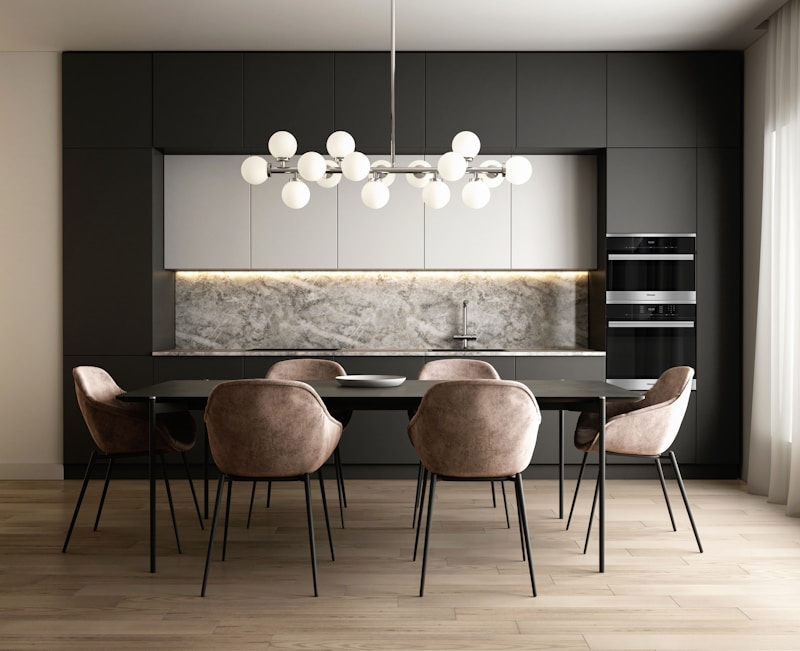
Discuss compatible detection and alert options. Certified gas and smoke protection must be specified separately.
I’d like this at home
Bring compatible dining lights and fan controls together in a scene.
I’d like this at home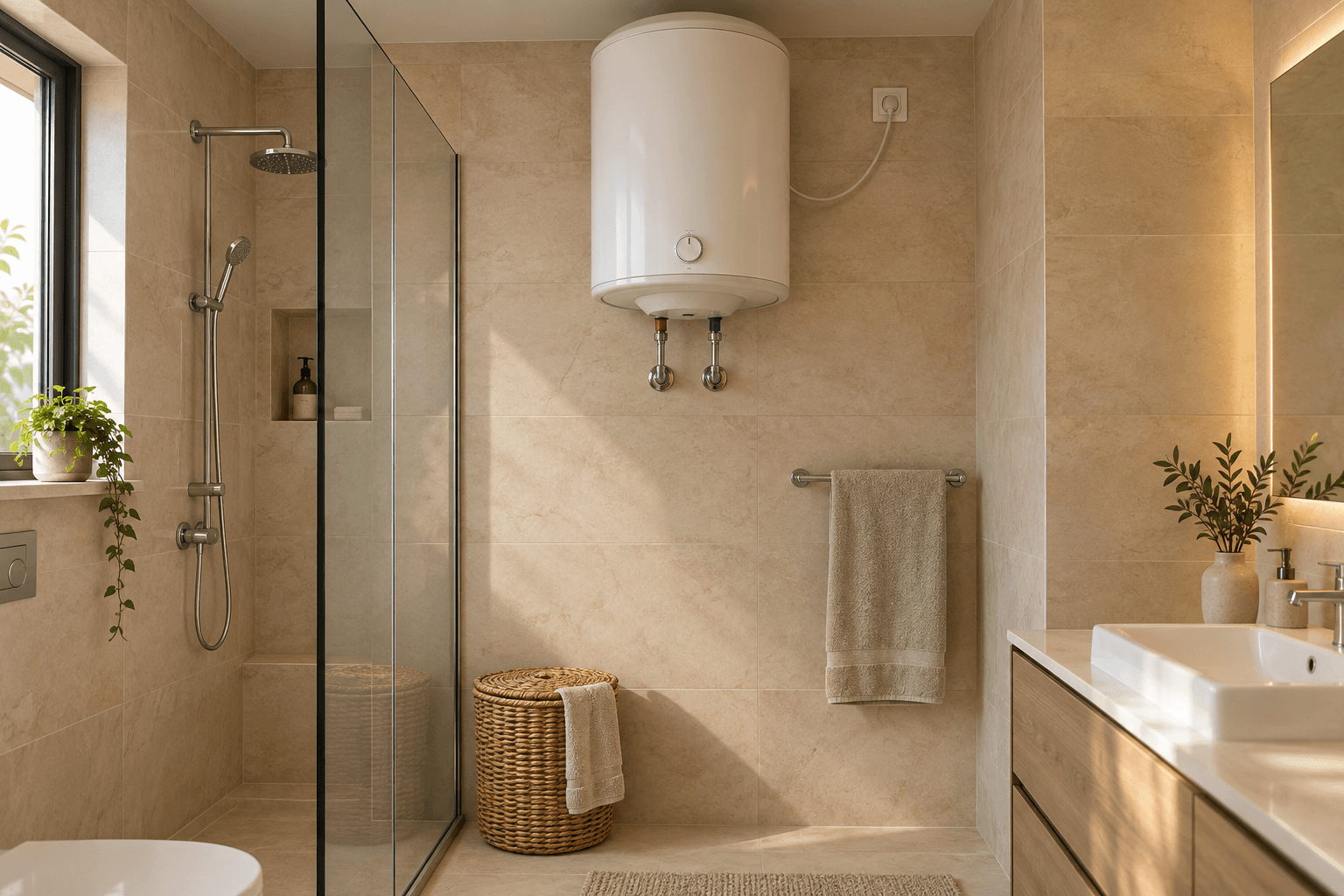
Schedule a compatible water-heater circuit after checking its load and electrical protection.
I’d like this at home
Choose a lock around your door and access needs. Fingerprint, passcode, card and app features vary by model.
I’d like this at home
Discuss a compatible video-doorbell setup for viewing visitors on your phone. Unlocking needs separately supported access hardware.
I’d like this at home
Explore compatible door sensors for open/close events and supported notifications.
I’d like this at home
Build an away-mode scene around compatible sensors and supported alerts.
I’d like this at home
Plan sensor-triggered lighting and exhaust controls suited to the room.
I’d like this at home
Choose suitable touch, dimming or scene controls for compatible vanity lighting.
I’d like this at home
Discuss leak detection and supported notifications for areas such as under sinks.
I’d like this at home
Plan tank-level and pump controls with the appropriate sensors, protection and installer assessment.
I’d like this at home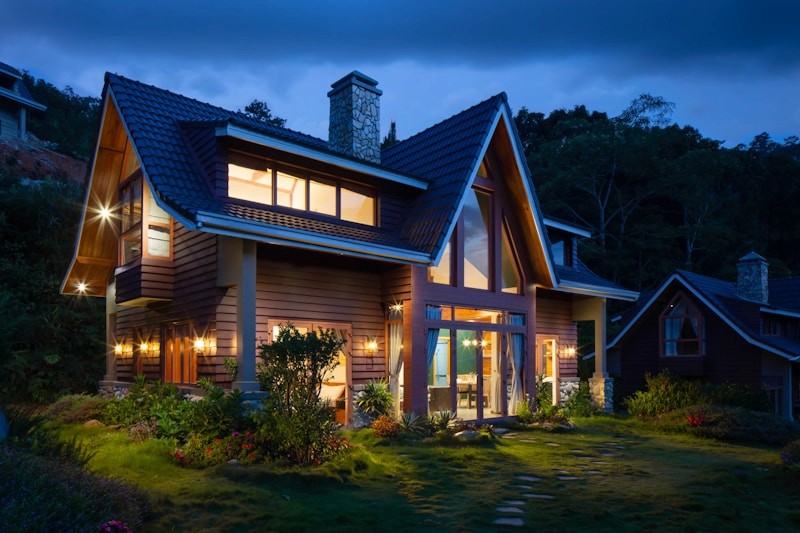
Schedule compatible landscape lighting around your routine. Outdoor equipment must suit its location.
I’d like this at home
Explore outdoor movement sensing for your garden. We confirm sensor placement, weather protection and any supported lighting or irrigation controls for your site.
I’d like this at home
TIXA Pulse can control compatible gate motors with the right interface. We check the motor, installation and site requirements; retain the manufacturer's safety controls.
I’d like this at home
Plan schedules for compatible pool lighting and pump controls with electrical and equipment checks.
I’d like this at homeOpen and close your curtains with the included remote. Add a Pulse / curtain controller for app control and supported voice skills.
What is included? The curtain motor kit comes with a remote and all accessories; curtain fabric is excluded.
Make it smart. Select app + voice control when planning your curtains so the Pulse / curtain controller is included in your quote.
Warranty: 3 years for curtains.
Explore curtain optionsIllustrative settings and proposed use cases. Product availability, integrations, connectivity and installation feasibility are confirmed for each project. Safety and security devices need appropriate specialist specification.
Monday–Saturday, 10am–6pm. Sunday closed. Visits outside these hours may be arranged in advance.
WhatsApp us to arrange your visit and confirm availability before travelling.
Visit our Hyderabad experience centre to explore controls, finishes and everyday scenes.
Bring your floor plan, switchboard photos and priorities. We help you choose a compatible setup.
Review your product selection, installation scope and quotation before the work begins.