All posts
Devices
2 min read
By the Tixa team
Choosing a TouchX layout for each room
Choose 2M to 12M TouchX formats by actual circuits, sockets, fan type and two-way needs, then match a listed configuration.

Quick answer: Choose a TouchX layout by listing each board’s circuits and functions, then match the nearest listed configuration. A 6M plate does not mean six switches: M describes the plate format, while the model determines its supported outputs.
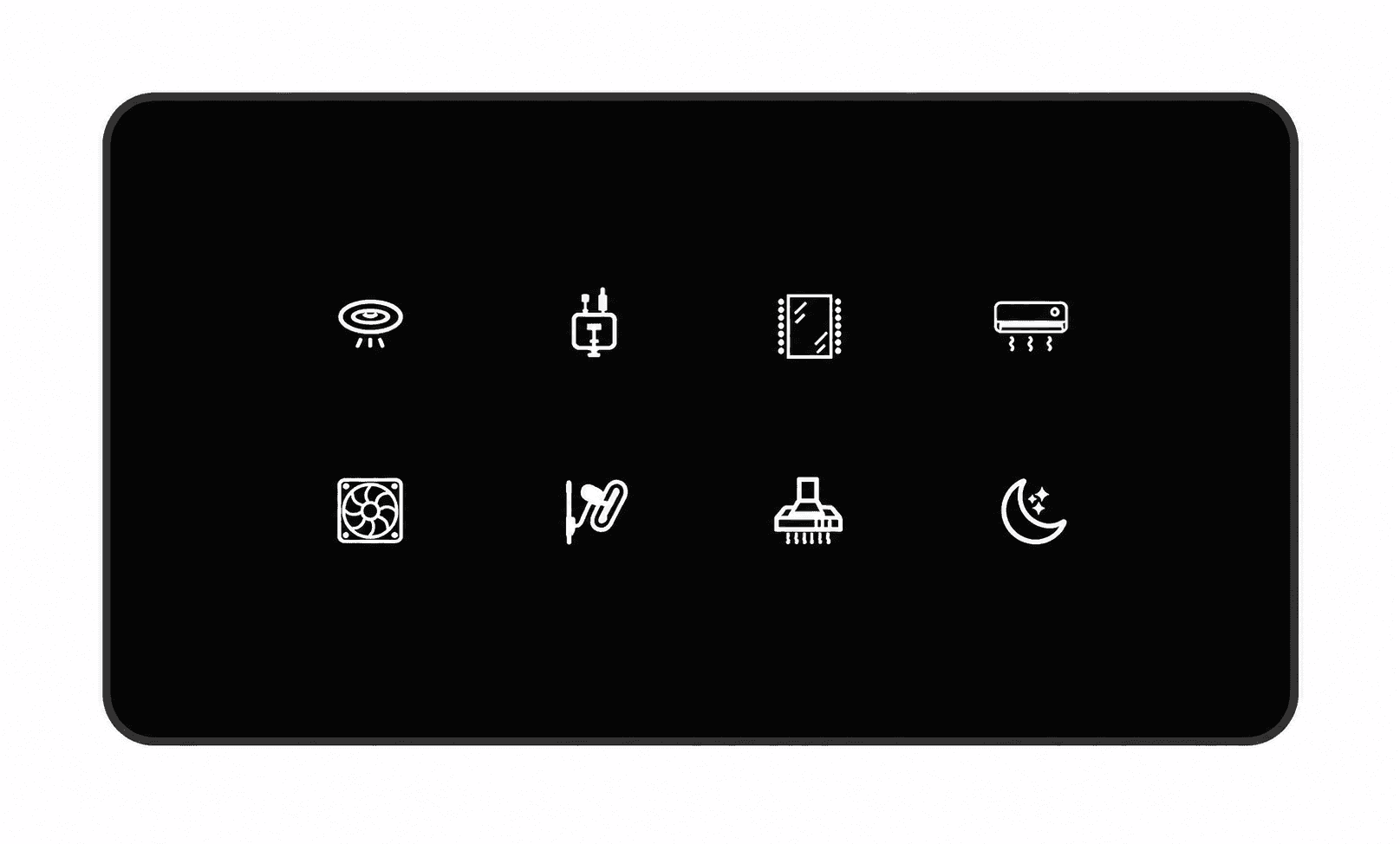
Tixa TouchX product image. Confirm the ordered configuration and symbols; the image is not an installation example.
Start with the board, not the house total
TouchX has 2M, 4M, 6M, 8M and 12M formats in Black, White and Grey. Record the existing box size and take a front photo. An installer must confirm dimensions, depth and wiring before the replacement is approved.
Make a control list
List each independent light circuit, not the number of bulbs on it.
State the number of conventional fans requiring speed regulation.
Mark ACs and geysers for suitable heavy-duty control and load checks.
List physical sockets and their required ratings; selected TouchX options include sockets.
Mark controls shared between entrance and bedside boards as two-way.
A bedroom planning example
Suppose the entrance board controls three light circuits, one conventional fan and one AC. The bedside board controls the same AC, fan and one light. That is one set of appliances with controls in two positions, not two sets of loads. Ask Tixa to confirm the exact compatible two-way arrangement, including fan speed control.
If the catalogue option does not provide all functions in the available plate size, the board may need a different model, a larger format or a revised layout. “Nearest” should describe the appearance or configuration; it must still meet the electrical requirements.
Fan and icon checks
A conventional fan dimmer does not provide BLDC speed control. Identify the fan before choosing the regulator. Printed symbols are selected when ordering and cannot be changed in the app. A fan or scene symbol alone does not add that hardware function.
Keep this board list beside the product catalogue, and compare features using the TouchX and Mosaic Pro guide.
Plan your next step
Use the Tixa room quotation builder to list your rooms and controls. Tixa will confirm the selected models, compatibility, current prices and installation scope before an order.
Written by the Tixa team. Updated 17 October 2026. Product features depend on the selected model and setup.